Todoist
- Platform
- Cross-platform
- GTD fidelity
- Loose
- Data
- Cloud
- Price
- Subscription
Free · No account · On-device · Open source
A private Getting Things Done app that helps you capture loose thoughts, process your inbox with guided decisions, and keep projects moving — without an account or cloud sync.
The five steps
Trayzero walks David Allen's five steps end to end — not a loose to-do list with GTD sprinkled on top.
One-tap capture from anywhere — a floating button, voice-to-text, the share sheet, or a home-screen widget. Get it out of your head fast.
A card-stack Process Inbox flow walks the full GTD decision tree — actionable? two-minute rule? delegate, defer, or drop — until your inbox hits zero.
Canonical lists: Next Actions, Projects, Waiting For, Someday/Maybe, Calendar, Reference. Projects are first-class with @-contexts and Areas of Responsibility.
A 7-step Weekly Review wizard guides a scripted pass through every bucket, so nothing quietly rots at the bottom of a list.
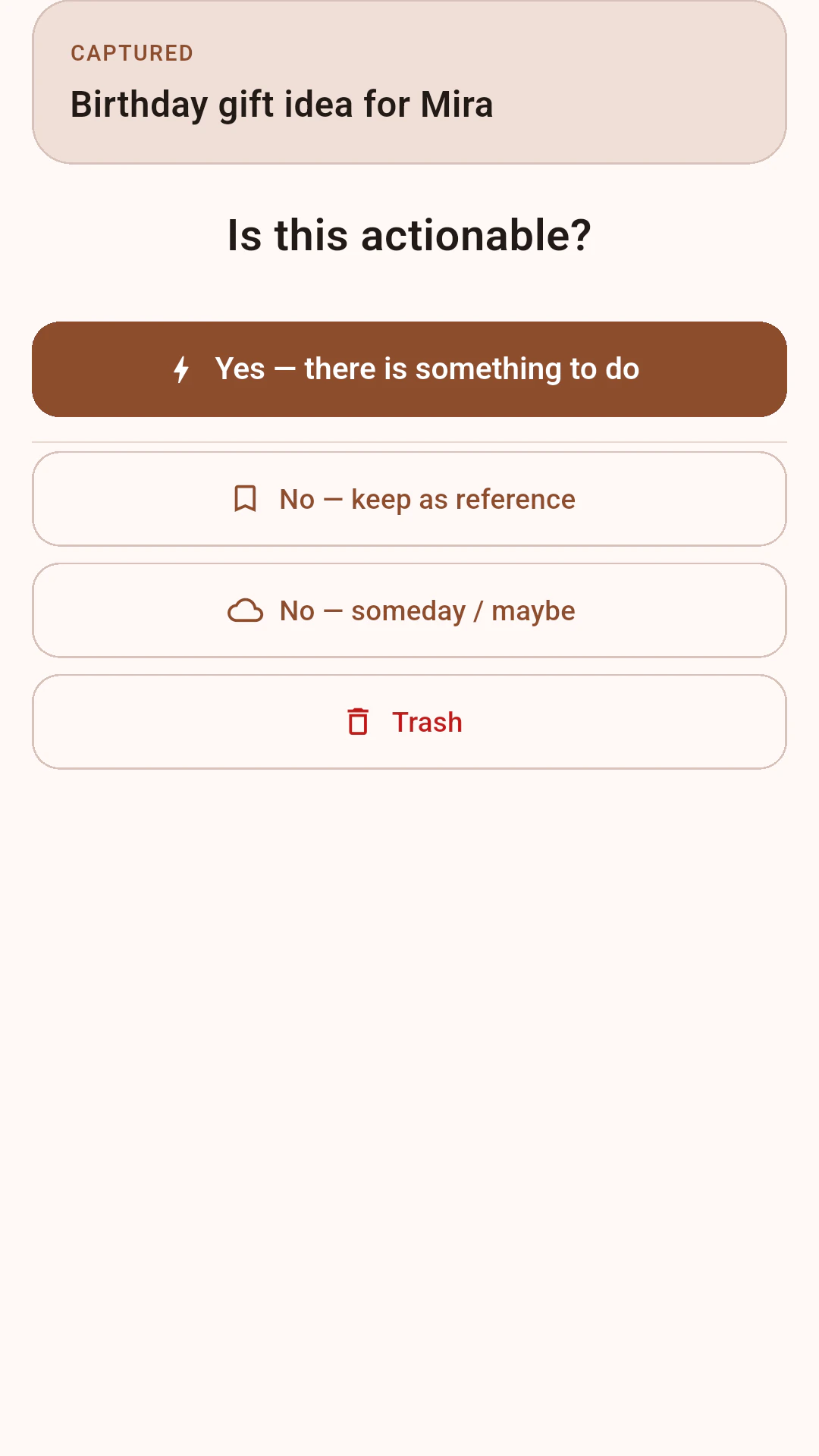
See the right next action for right now — filtered by context, energy level, and the time you actually have.
Where Trayzero fits
A strict GTD app that is live on both Android and iOS. The closest local-first competitor charges $99.
At-a-glance criteria based on public product positioning, current Trayzero release status, and approximate competitor pricing.
In-depth comparisons: Trayzero vs Everdo · Trayzero vs Things 3 · Trayzero vs OmniFocus · Trayzero vs Todoist · Trayzero vs Nirvana
Privacy you don't have to think about
No account. No task servers. No in-app tracking. SQLite under the hood, JSON backup in your hands — and the app is open source, so you can verify all of it yourself.
Proof points
Trayzero is new, so the site sticks to what can be verified from the shipped app and its architecture.
Nothing to sign up for. Open the app and start.
Everything is a local SQLite database in the app's private storage.
The app has zero analytics SDKs. Crash reporting is opt-in and off by default.
The app is in production on Google Play and the App Store, so anyone can install it without a beta invite.
Tasks, projects, contexts, areas, and reviews live in the app's private on-device database.
Export and import a Trayzero backup file whenever you want, without depending on a Trayzero account.
The full app source is public on GitHub — audit every line and verify the privacy claims yourself, instead of taking them on faith.
Inside the app
The app is organized around the moments where task systems usually fall apart: fast capture, clear projects, and a review that keeps every list current.
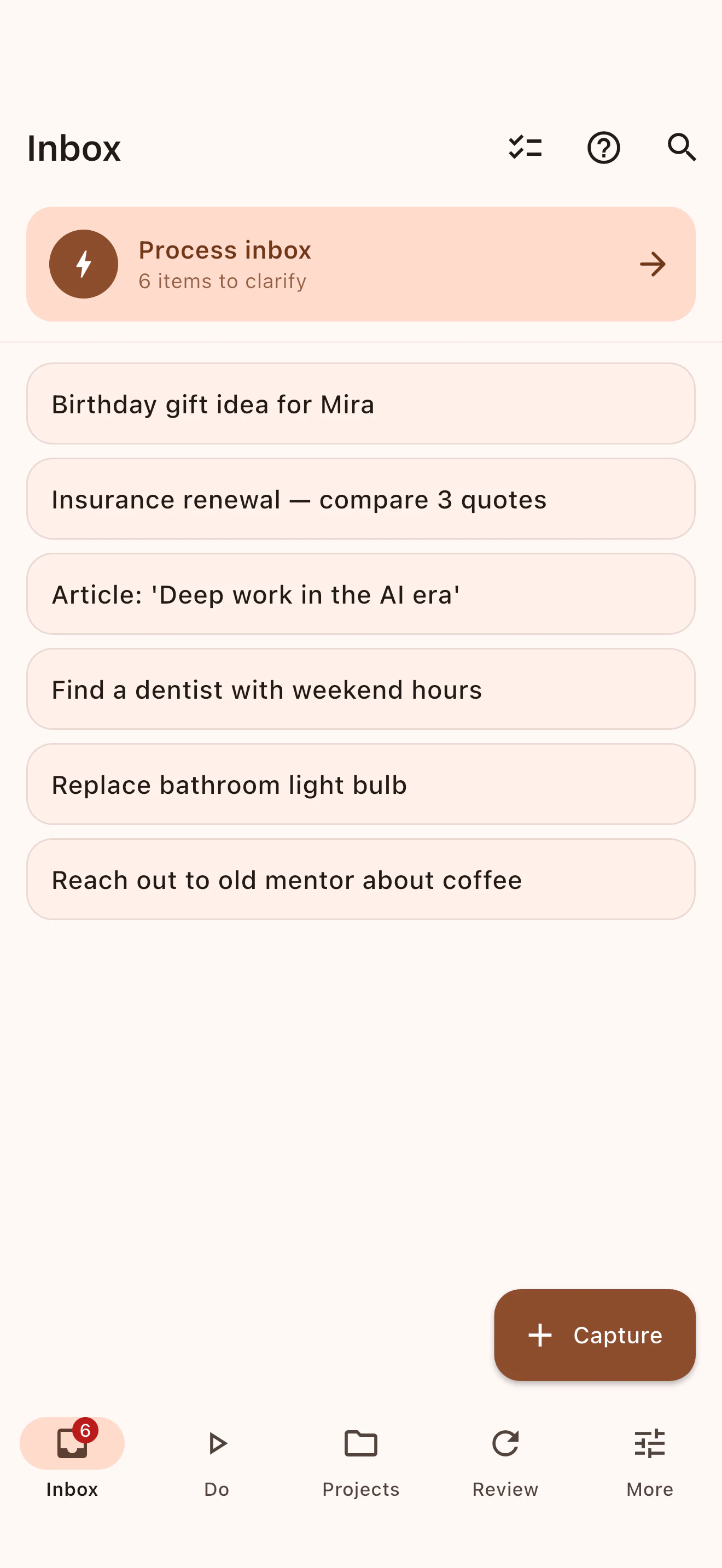
Add the thought now, decide what it means later. Trayzero keeps capture fast so your inbox can become the trusted entry point.
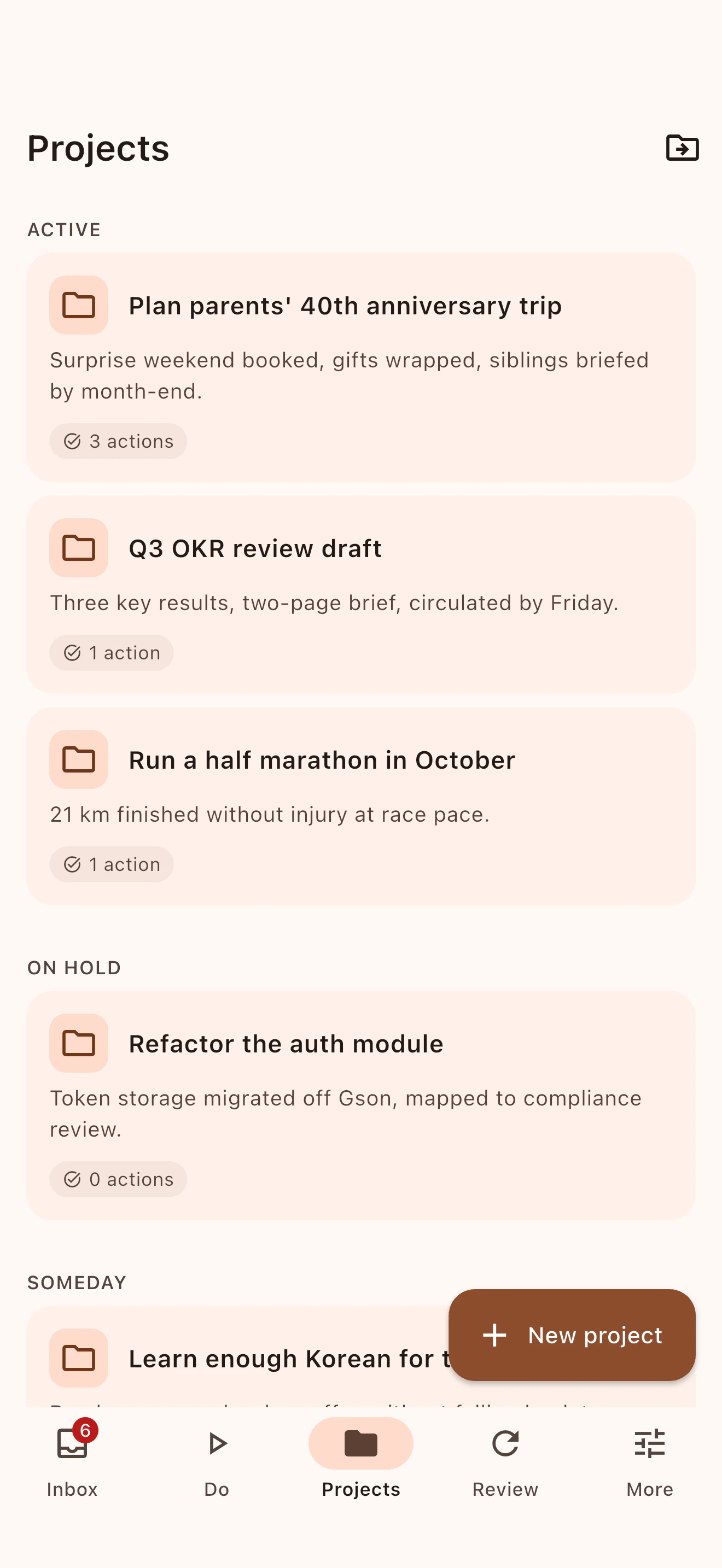
Projects, next actions, contexts, and areas stay connected, so the system reflects real commitments instead of scattered task lists.
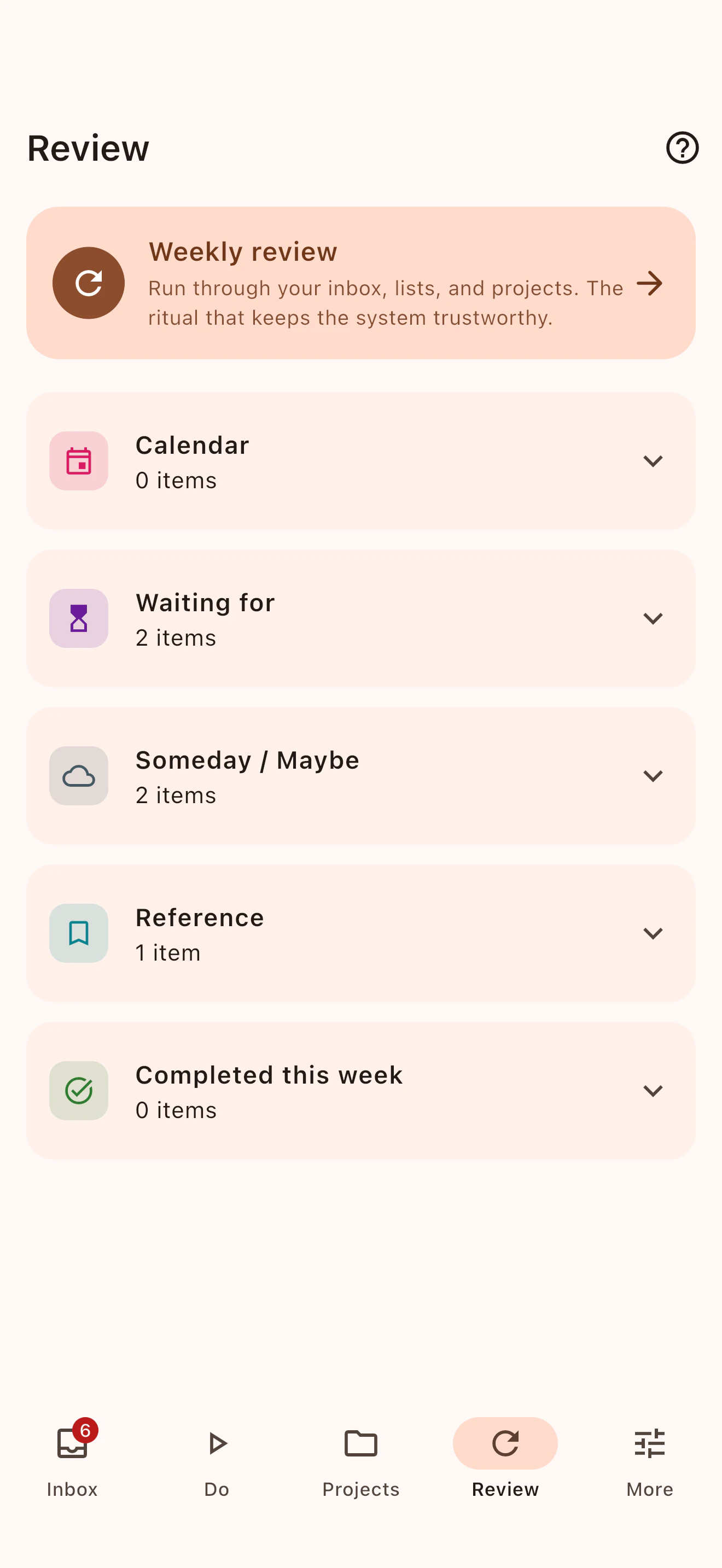
The Weekly Review turns maintenance into a guided pass through your system, with progress that is visible from start to finish.
Questions
Yes — every feature is unlocked, with no ads and no account. If you'd like to chip in, there's an optional tip jar and a cheap Supporter subscription, but those only add cosmetic extras like a supporter badge — never any part of the GTD workflow.
On your device, in a local SQLite database. There is no Trayzero server and no cloud sync. You can export and import a plain-JSON backup any time.
Both are live — Android on Google Play and iOS on the App Store.
No. The Process Inbox flow and Weekly Review wizard guide you through the method step by step — it's a good way to learn GTD by doing it.
Yes. The app is open source under the GPLv3 license, with the full code public at github.com/roman10/trayzero. You can read it, audit the privacy and on-device claims, and even build it yourself.
No. Trayzero is an independent app inspired by the GTD methodology. "Getting Things Done" and "GTD" are trademarks of the David Allen Company.
Ready when you are
Download Trayzero and empty your head onto a GTD system you trust.